How to Redeem Do Not Stop Codes
From first drive unlock to Garage → Codes — claim all 850 Credits without typos.
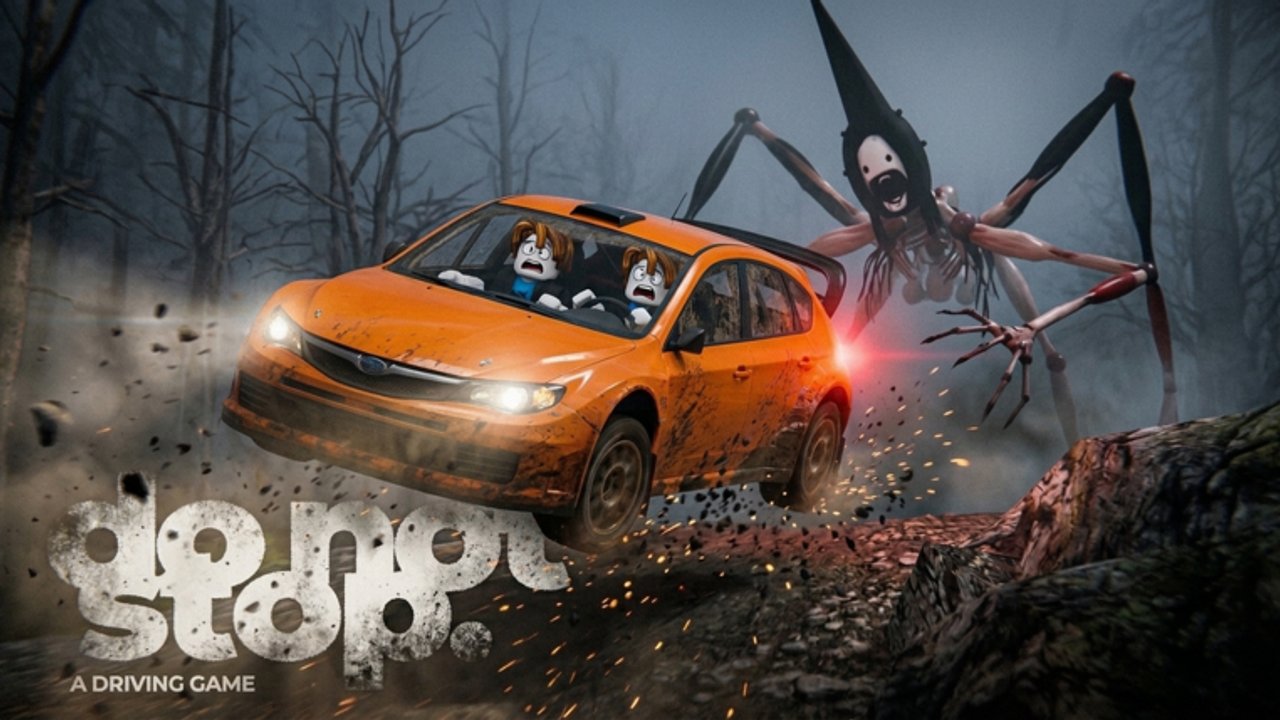
Redeeming Do Not Stop codes takes under a minute once the lobby menus unlock, but new players often miss the first-drive requirement or paste codes into the wrong tab. This guide walks through every click, explains why a code might fail, and links the live list on the Codes Hub so you always redeem current rewards.
Do Not Stop is a free Roblox survival driving game: keep the car moving, reach the shelter, and never let the Runner catch a full stop. Credits from codes accelerate Garage progress while you learn Route 1610. They do not replace skill on icy corners, but they remove the dullest early crate grind.
Before you open the Codes tab
- Join the official experience from Roblox and wait for the lobby garage lot to load.
- Complete one short drive — even a failed Route 1610 run usually unlocks Shop and Garage features.
- Return to the lobby. If Codes is still missing, rejoin the server once and try again.
- Have the four live codes ready from the Codes Hub: RELEASE, LASTSTOP, DONOTSTOP, ROUTE1610.
Exact redeem steps
- On the left side of the lobby HUD, click Garage (some clients label the same panel Shop).
- Along the top of that panel, open the Codes tab. It sits near Cars, Cosmetics, and Crates.
- Click the text field labeled for code entry.
- Paste RELEASE exactly, including capital letters, then press Redeem.
- Wait for the success toast and Credit balance update.
- Repeat for LASTSTOP, DONOTSTOP, and ROUTE1610.
- Close the panel and confirm your Credit total rose by up to 850 if all four were new to the account.
If you prefer watching a short tip video that also covers car unlock levels, the embed on the Codes Hub walks through the same loop.
What success looks like
A good redeem shows an immediate Credit bump and no error banner. Credits are account-bound for that experience. You can then browse crates or simply exit to a launch pad and start farming XP toward the Hartmann 220 Sport at level 4. Pair this page with the cars roster and tier list before spending Robux on optional packs.
Troubleshooting redeem errors
Code invalid: Check spelling and case. RELEASE is not Release. Copy from the hub table instead of typing from memory.
Already redeemed: Most codes are single-use per account. The Credit balance will not rise again.
Expired: When the developer retires a code, it disappears from the Roblox description. Remove it from your notes and watch updates for replacements.
Wrong place: Chat commands do not redeem codes. Only Garage → Codes works.
Menus missing: Finish a drive first. Brand-new sessions sometimes hide Shop until the first dispatch completes.
Private server oddities: If a friend hosted with odd permissions, try a public lobby once.
After Credits land — smart next moves
Spend a moment planning instead of dumping everything into cosmetics:
- Practice clean Space drifts using the controls guide.
- Clear your first shelter with the beginner guide.
- Study landmark lists in the all maps walkthrough.
- Learn shutter and pursuit timing in survive the Runner.
- Skim Update 2 so you know what tournament or difficulty changes landed recently.
Codes are a head start, not a win condition. The Runner still closes when you coast, spin out, or miss a Hold F shutter prompt. Use the free Credits to stay motivated while muscle memory catches up.
Duo tip for code farming days
If you play driver and passenger, only the account that redeems receives Credits. Each friend should open Garage on their own client and redeem separately before you invite them to a pad. Passenger flashlight duty still matters on harder routes — Credits do not aim the light for you.
Staying current
Whenever Roblox shows a new description line under CODES, update your personal list and re-check this wiki. We keep the Codes Hub aligned with the developer text and cross-link redeem help here so SEO searchers who type “how to redeem Do Not Stop codes” land on actionable steps instead of a bare list.
Finish by bookmarking both pages, redeeming the four live codes, and launching Route 1610 with a topped-up balance. From there, climb County Road 13 and beyond using the guide stack linked above.
Frequently Asked Questions
Quick answers to the most common questions.
Why can’t I see the Codes tab?
Complete at least one drive first so Garage and Shop unlock, then reopen Garage in the lobby and select Codes.
Do I redeem codes in chat?
No. Open Garage → Codes, paste into the text box, and press Redeem. Chat will not accept promo codes.
How many Credits do the current codes give?
850 Credits if you redeem RELEASE, LASTSTOP, DONOTSTOP, and ROUTE1610 successfully. Full list on the Codes Hub.
Can my whole duo share one redeem?
No. Each Roblox account must redeem separately to receive Credits on that account.